OmniTools: Self-Hosted Digital Swiss Army Knife for Productivity
Discover OmniTools, a versatile web-based toolkit, and learn how to integrate it seamlessly into a self-hosted Docker environment.


This article dives into OmniTools, a versatile collection of web-based utilities designed to streamline numerous technical tasks. It explores how to seamlessly integrate OmniTools into a self-hosted Docker environment, demystifying the configuration details and showcasing its wide array of practical applications for developers and IT enthusiasts alike.
Integrating OmniTools into a Self-Hosted Setup
The journey into harnessing OmniTools’ power begins with its integration into a self-hosted infrastructure. For those who already manage their own ecosystem, as described in this detailed exploration of self-hosting best practices, OmniTools fits right in. It leverages Docker and docker-compose for straightforward deployment.
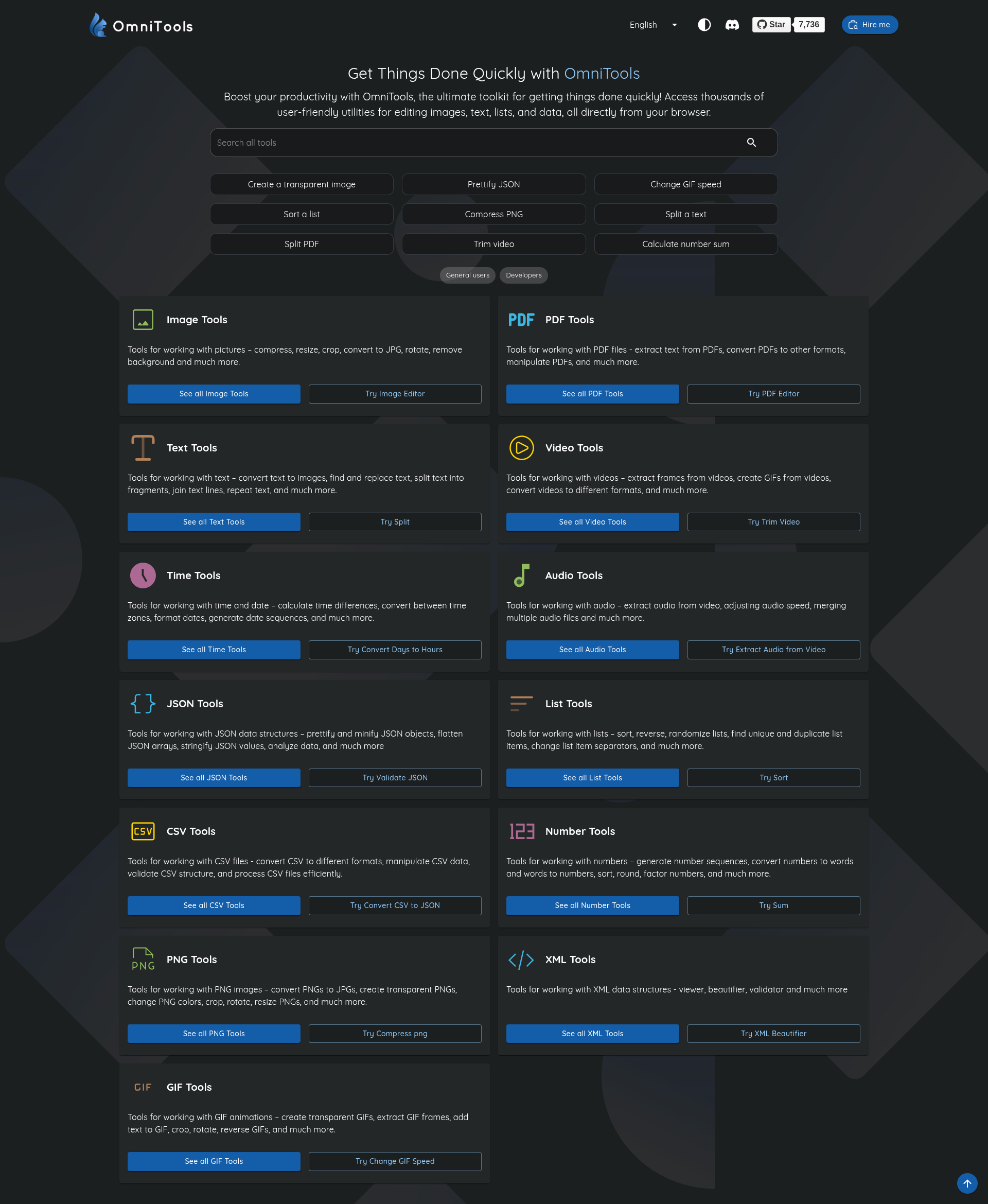
A typical docker-compose.yml for OmniTools might look something like this:
version: '3.8' # It's good practice to specify a Docker Compose file format version

services:
  omni-tools:
    image: iib0011/omni-tools:latest
    container_name: omni-tools
    hostname: omni-tools
    restart: unless-stopped
    expose:
      - 80
    security_opt:
      - no-new-privileges:true
    deploy:
      resources:
        limits:
          cpus: '0.5'
          memory: 512M
    networks:
      - web
    labels:
      - "com.centurylinklabs.watchtower.enable=true"

networks:
  web:
    external: true # Assumes a 'web' network already exists, typically managed by a reverse proxy
Let’s break down some of the lesser-known, yet crucial, aspects of this configuration.
Decoding the Docker Compose Configuration
image: iib0011/omni-tools:latest: This line specifies the Docker image to be used, ensuring the latest stable version of OmniTools is deployed.container_nameandhostname: These provide clear identification for the container within the Docker environment and on the network, respectively.restart: unless-stopped: A trusty setting that keeps the service running, even after restarts or crashes, unless explicitly stopped.expose: - 80: This indicates that the container listens on port 80 internally. It does not publish the port to the host; external access would typically be handled by a reverse proxy (like Nginx Proxy Manager or Traefik) connected to the samewebnetwork.security_opt: This is where some interesting security decisions are made.no-new-privileges:true: This is a solid security enhancement. It prevents a process inside the container from gaining additional privileges through mechanisms likesetuidorsetgidafterexecve. It’s a fundamental safeguard against privilege escalation.
deploy.resources: These limits are practical for self-hosted environments, ensuring OmniTools plays nicely with other services by capping its CPU and memory usage.cpus: '0.5': Limits the container to half a CPU core.memory: 512M: Caps memory usage at 512 megabytes.
networks: - web: As mentioned, this connects OmniTools to a shared network, allowing a reverse proxy to route external traffic to it.labels: - "com.centurylinklabs.watchtower.enable=true": This label tells Watchtower, a Docker container updater, to automatically keep the OmniTools container up-to-date. Set it and forget it-mostly.
Exploring OmniTools’ Capabilities
Once OmniTools is humming along, a treasure trove of utilities becomes accessible through its web interface. It’s like finding a digital Swiss Army knife, always ready for the next fiddly bit of data or conversion task.
Text Transformation and Encoding
Ever needed to quickly encode a URL or decode some mysterious Base64 string? OmniTools has got you covered with a suite of text manipulation tools:
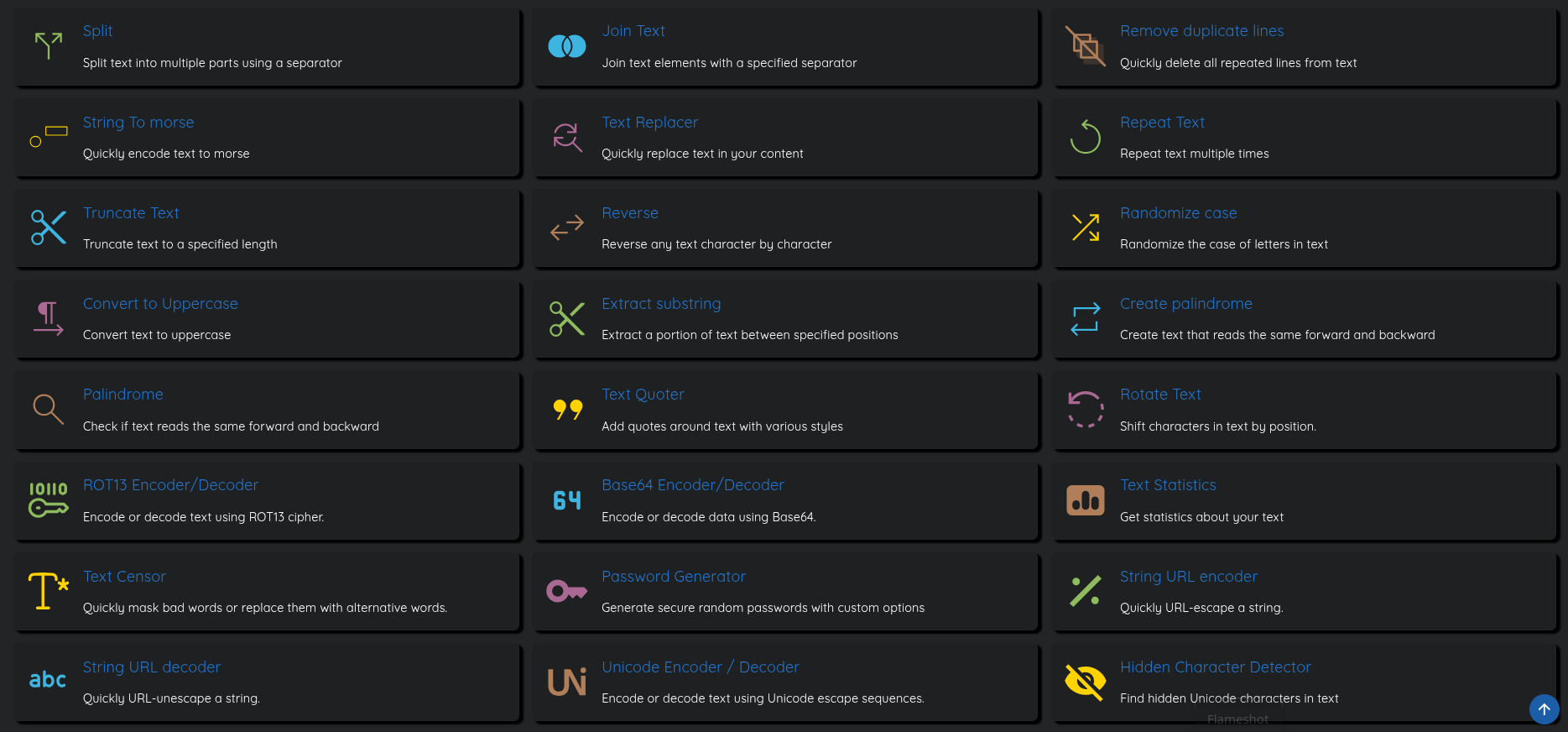
There is a ton of tools, I can't go into all of them. But the screenshot says it all.
Image Tools
There are quite a lot of those available:
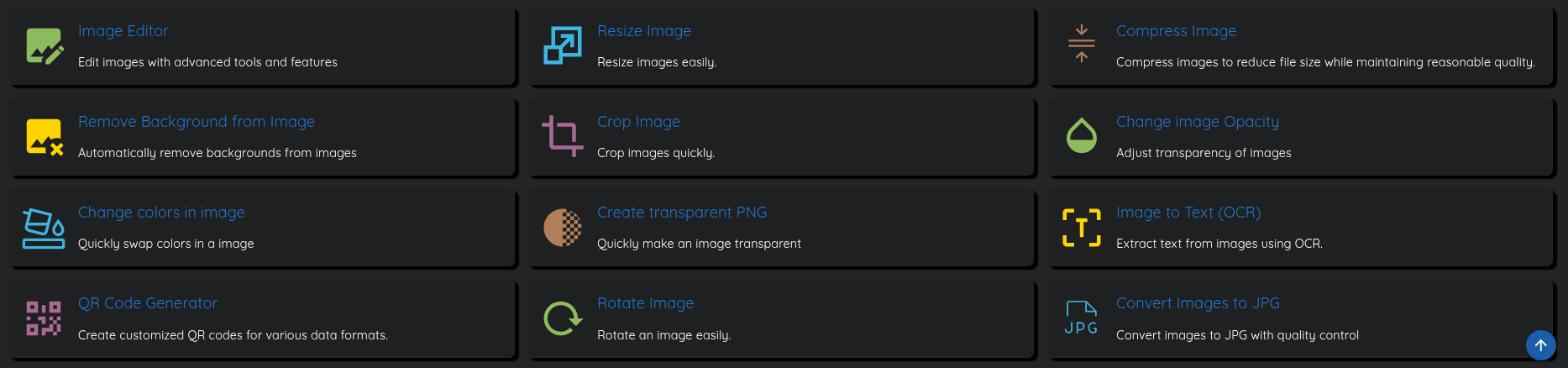
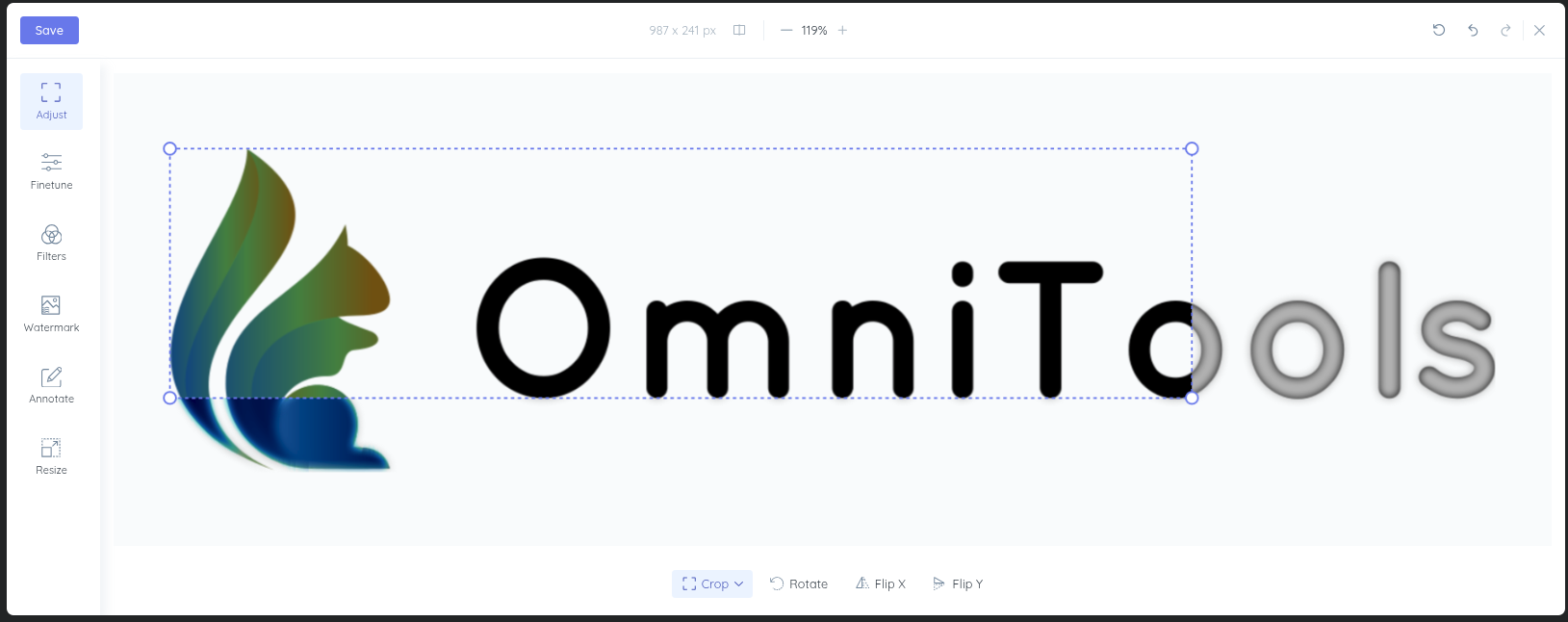
Using these I wish I had not reduced the number of CPUs for this container:
PDF-Tools
Here is an overview of the PDF-Tools:

All of these work flawlessly. And since I did not give the container any persistent storage, it just works on the fly.
Video-Tools
A more ressource-intensive category is oviously the manipulation of videos:

Since the list of tools is so long, I have some favourites.
JSON-Tools
I work a lot with JSON-objects. Sometimes they have to be as small als possible or are messed up with special characters. These are the right tools for the job:

Conclusion
OmniTools stands out as a remarkably versatile and easily deployable web-based utility for any self-hosted environment. From routine data encoding to advanced hashing and JSON formatting, it consolidates a wide array of indispensable functions into a single, accessible platform. Its integration into a Docker setup is straightforward, making it an excellent addition for those looking to enhance their digital toolkit without unnecessary complexity.