Deep Dive into iPhones from the Linux Terminal
Explore how open-source libimobiledevice tools allow deep, jailbreak-free interaction with iOS devices from Linux.

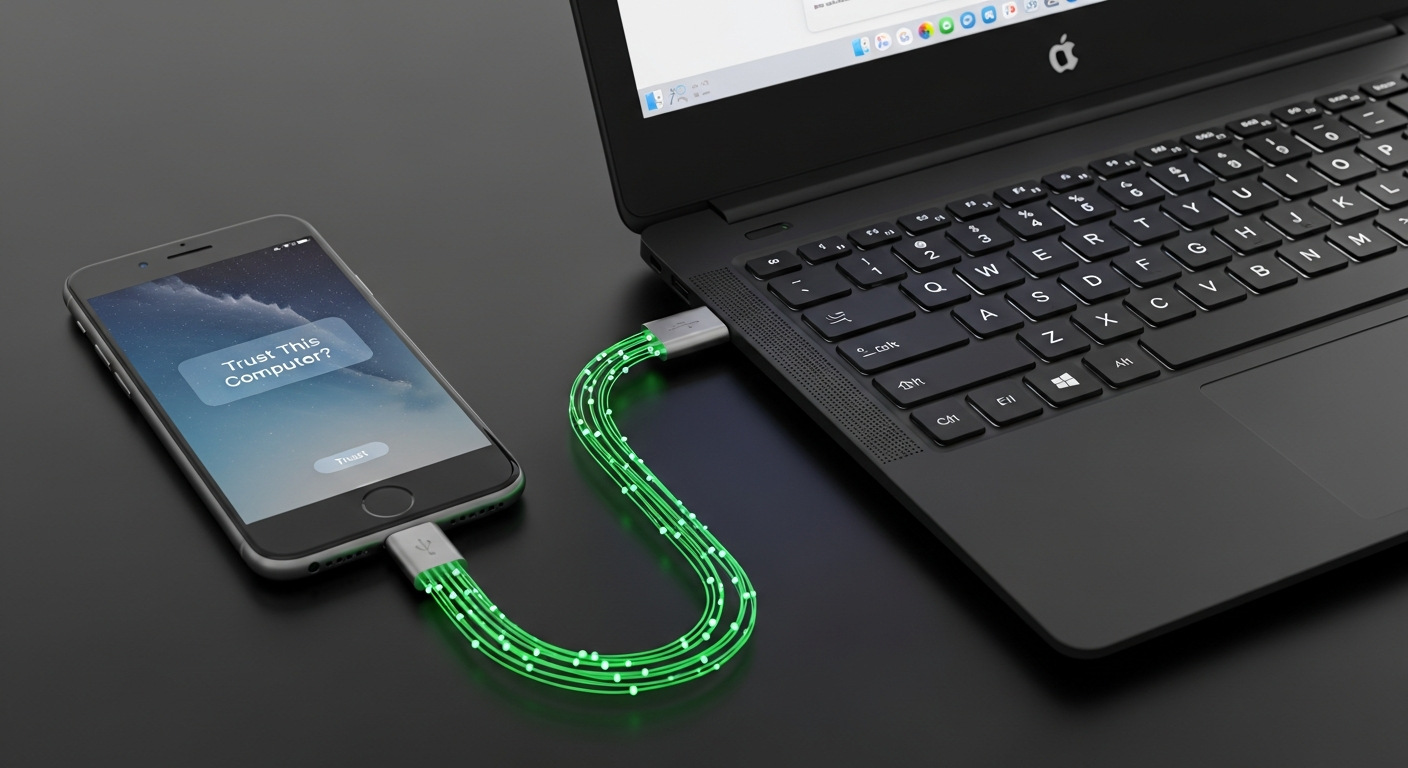
My employer issued me an “emergency phone”. Standard iPhone, locked down, managed, and politely opaque. Out of curiosity - and a mild distrust of devices that claim to be mine - I wanted to know what it was doing, what it could tell me, and what it might be telling others.
That curiosity led me into iPhone forensics from Linux. Not jailbreaking. Not exploits. Just open-source tools, a terminal, and the realization that modern “closed” systems are never quite as sealed as they appear.
This article walks through the libimobiledevice toolset: how to inspect an iOS device from Linux, what you can extract, and what the experience reveals about modern computing, trust, and control.
The Bigger Picture: Why This Is Interesting at All
We live in a post-trust computing world.
Phones are issued by employers. Laptops are managed by MDM. Cars receive OTA updates. Devices are “yours” in the same way a hotel room is yours - temporarily, conditionally, and with logging enabled.
Apple works hard to present iOS as a tightly controlled ecosystem. That’s mostly true. But interoperability has to exist somewhere, or the device wouldn’t be useful. libimobiledevice lives in that gap - the narrow interface between “closed platform” and “functional reality”.
What makes it interesting isn’t just what it can do, but what it demonstrates:
Every closed system has edges. Those edges leak information.
That mental model generalizes far beyond iPhones - to cloud platforms, AI systems, corporate software, and bureaucracies.
libimobiledevice in Plain Terms
libimobiledevice is a Free and Open Source library written in C that allows native communication with iOS devices. No jailbreak required. No Apple software needed. It speaks the same protocols iTunes and Xcode use, just without the GUI or the marketing.
From a Linux terminal, you can:
- Query device metadata
- Stream live system logs
- List and manage installed apps
- Extract crash reports
- Create backups
Not hacks. Not exploits. Just plumbing.
Installing on Debian-Based Systems
On Ubuntu or similar distributions, installation is boring - which is exactly what you want. Update your package list, then install the core components:
sudo apt install usbmuxd libimobiledevice6 libimobiledevice-utils
usbmuxd is the background service that handles USB multiplexing. Without it, nothing talks to anything.
Two additional tools are worth installing:
sudo apt install ideviceinstaller ifuse
- ideviceinstaller manages apps.
- ifuse lets you mount parts of the iOS filesystem via FUSE.
If ifuse --version prints a version number, you’re set.
Pairing: The Moment of Trust
Before anything interesting happens, the phone has to trust your machine.
Plug in the iPhone and run:
idevicepair pair
The phone will ask whether you trust this computer. Say yes. Enter the passcode.
This step is important conceptually: everything you’re about to see is information Apple already considers safe to expose. That’s worth keeping in mind when people talk about “absolute device security”.
Validate the pairing:
idevicepair validate
A success message means the door is open.
First Glance: Identifying the Device
If multiple devices are connected, list them:
idevice_id -L
You’ll get a UDID - a stable, unique identifier. The device’s true name in Apple’s universe.
You can also read or change the human-friendly name:
idevicename
idevicename "MeisterPhone"
Renaming a managed corporate phone is a small act of rebellion, but a satisfying one.
ideviceinfo: A Firehose of Metadata
This is where things get interesting.
ideviceinfo -s
The output is long, specific, and revealing:
- Exact model identifier
- iOS version and build number
- CPU architecture
- Region codes
- Baseband information
- Serial numbers
- Internal Apple identifiers you were never meant to care about
This is not “user data”. This is system truth.
The takeaway isn’t just the data itself, but the pattern: Modern systems are obsessively self-describing. They have to be, or they can’t function at scale.
Application Inventory: How Much Is Really Installed?
Using ideviceinstaller, you can list every installed app - including system components.
ideviceinstaller --list-apps --output list_all
Pipe it into wc -l and count them.
The number is usually surprising. Even a factory-reset iPhone ships with well over a hundred bundled components.
This mirrors a broader truth about modern software: Minimalism is mostly a UI illusion.
Watching the Phone Think: Live Syslog Streaming
This was my most eye-opening part.
Run:
idevicesyslog
Now touch the phone. Open apps. Toggle Wi-Fi.
The terminal scrolls endlessly.
What you’re seeing is the real nervous system of iOS: background services waking up, network state changes, apps talking to frameworks, frameworks talking to the kernel.
Nothing is idle. Ever.
Filter for specific apps:
idevicesyslog | grep -i safari
or:
idevicesyslog | grep -i "com.apple.MobilePhone\|phone"
This isn’t spying. It’s observability - the same kind used in large distributed systems. Your phone is one of those systems now.
Crash Reports: Post-Mortem Truth
Crash logs are quiet confessions.
Extract them with:
idevicecrashreport -e crash_reports/
You’ll find JSON-formatted .ips files detailing exactly what failed and why.
Even services you never actively use show up here. Things run. They crash. They restart. All the time.
The phone is not a polished object. It’s a living process pretending to be one.
A Broader Insight: Closed Systems and Porous Edges
The real lesson here isn’t about iPhones or Linux.
It’s this:
- Closed systems still need interfaces.
- Interfaces leak structure.
- Structure reveals behavior.
The same logic applies to:
- Corporate software platforms
- Cloud APIs
- AI systems with “limited” transparency
- Institutions that claim neutrality while logging everything
Understanding tools like libimobiledevice trains a valuable instinct: don’t look for secret backdoors - look for boring interfaces.
That’s where reality shows through.
Where This Goes Next
The libimobiledevice ecosystem goes further:
- Full device backups via
idevicebackup2 - Restore workflows without iTunes
- Deeper filesystem access (within Apple’s rules)
But that’s secondary.
The primary value is learning to see modern machines clearly - not as magical slabs of glass, but as layered, talkative systems that can be understood if you meet them at their own level.
Conclusion
Your phone knows more about itself than you ever will. That asymmetry is normal now.
Tools like libimobiledevice don’t eliminate it, but they narrow the gap. They remind us that understanding is still possible - not by breaking systems, but by listening carefully to what they’re already saying.
Linux and iOS aren’t enemies. They’re just two different ways of telling the truth.