Automating AI Interviews
A manual ComfyUI workflow is great for experiments, but for production, you need automation. This script turns a JSON screenplay into a full video. Everything run locally. No cloud-service needed.

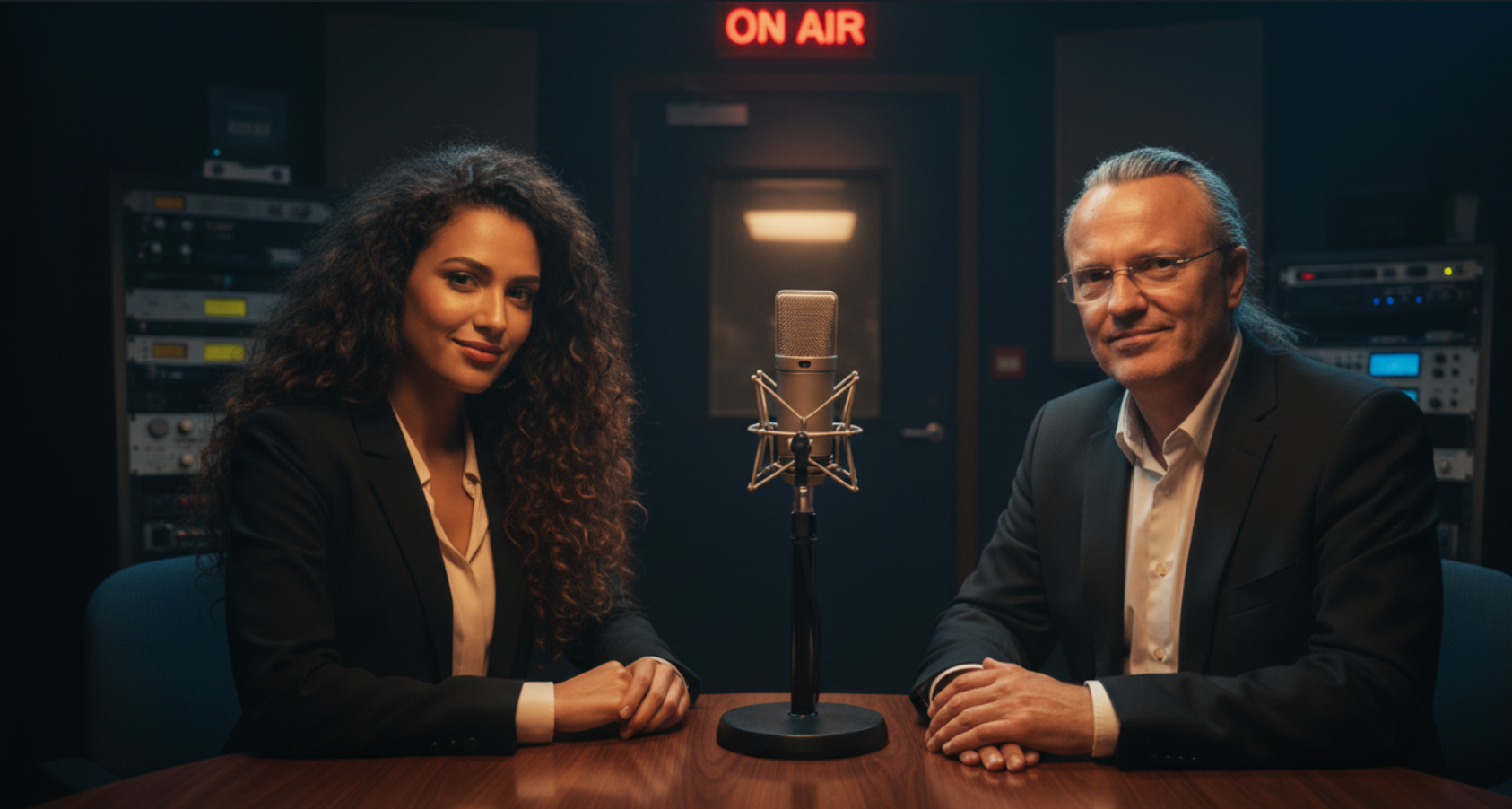
The automation of complex AI workflows often feels like the holy grail of modern content creation. After exploring how to generate consistent characters, animating them with Infinite Talk, and controlling ComfyUI via API, the final step is orchestration. A manual workflow is fascinating, but clicking "Queue Prompt" thirty times for a single interview is neither efficient nor scalable. The solution lies in a robust Bash script that acts as the "Director," transforming a simple text screenplay into a fully produced video interview.
What do I actually want to achieve?
It’s no secret that AI helps me write this blog. It also helps with the podcast transcripts for Selfhosted Tech!. Even the title image is generated by z-image. The entire workflow is fully automated and uses selfhosted tech only. No cloud involved!
I start by writing an article quickly and roughly in my native language. Then I let AI structure the text, enrich it with additional information, and translate it into the target language. After a proofreading pass, I use another ollama-prompt to generate the podcast transcript. Once that’s done, ComfyUI turns the transcript into an MP3 file.
And here we are. At that point, creating a video from it is the obvious next step.
... the what-act? Did the AI just mispronounce cloud-act?
Or this one with my new voice-clone:
These are the articles I combined for this to work:
 Michael Meister
 Michael Meister
 Michael Meister
 Michael Meister
The Concept: The Silent Director
The core idea is to decouple the creative writing process from the technical rendering process. Instead of manually adjusting nodes in ComfyUI for every single sentence a character speaks, a central "Screenplay" object is used. This object contains everything the system needs to know: who is speaking, what they are saying, which camera angle (image) to use, and what mood (instructions) the AI should generate.
This approach builds directly on the foundations laid in previous articles. The character consistency is derived from the techniques discussed in Consistent AI Voice Generation, while the animation logic utilizes the Infinite Talk workflow. Finally, the actual communication with the backend is handled using the ComfyUI API methods established previously.
Prerequisites and Reference Files
Before the automation script can be executed, the environment must be prepared. The script relies on specific reference files to maintain the identity of the speakers ("Katy" and "Michael"), which I used in this example.
1. Directory Structure:
The script expects a folder structure where it can dump the results (podcast_output) and access the source material. It can be set in the script, that I will show later on.
2. Source Images (The Actors):
Static images are required for the different camera angles mentioned in the screenplay. These serve as the input for the Image-to-Video generation.
Katy_closeup.pngMichael_desk.pngMichael_Katy_he_talks.png- ...and so on.

3. Reference Audio (The Voices):
To clone the voices using VoxCPM, a clean 10-15 second WAV file of the target voice is needed.
katy_english.wavmichael_english.wav
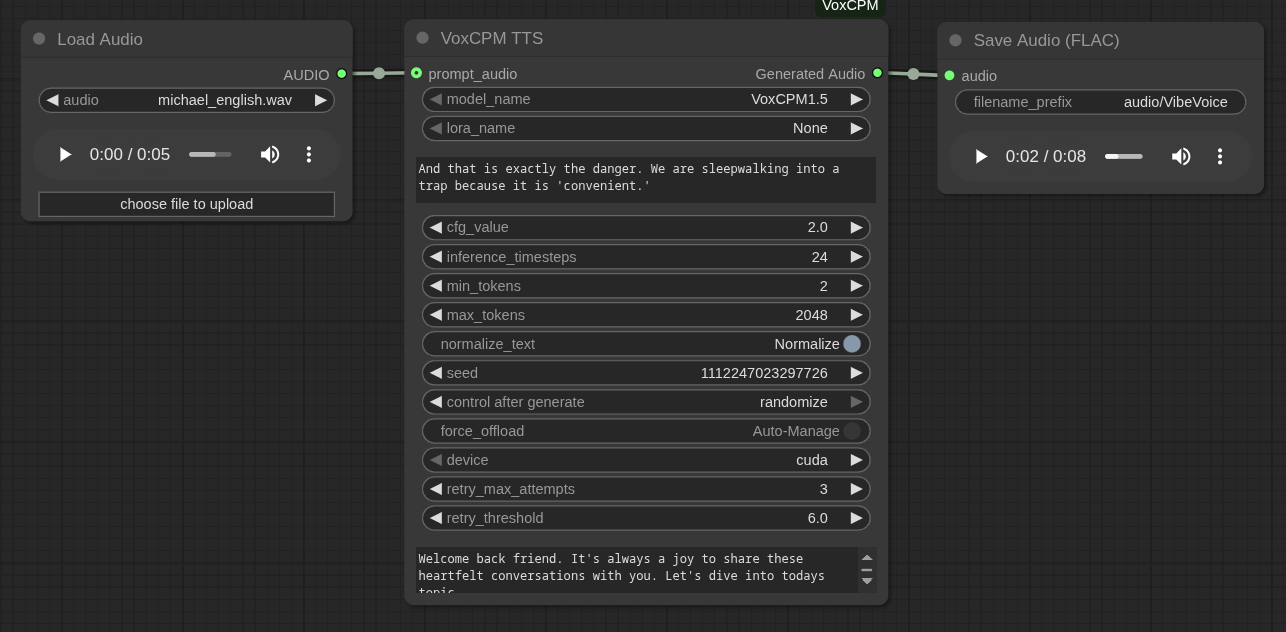
For this example I just used my laptop microphone and spoke quick n dirty:
4. System Tools:
Since I love using JSON-objects, my script makes heavy use of JSON parsing and HTTP requests. Therefore, jq, curl, and ffmpeg must be installed on the Linux client executing the script.
The Logic: Handling the Chaos
AI generation is computationally expensive and occasionally unstable. A simple "for loop" is insufficient because the ComfyUI server might timeout, run out of VRAM, or simply produce a glitch. The script addresses these challenges through several key mechanisms.
State Management and Polling
ComfyUI's API is asynchronous. When a prompt is sent, the server returns a "Prompt ID" immediately, but the actual processing happens in the background. The script implements intelligent polling functions (poll_audio_job and poll_video_job) that query the history endpoint. They wait for the specific job to finish and check if the output file actually exists on the server before downloading it.
VRAM Management
Since video generation models like WanVideo are VRAM-hungry, the script includes a clean_vram function. This sends a request to the /free endpoint of ComfyUI between heavy tasks, forcing the server to unload unused models. This significantly reduces CUDA Out of Memory errors during long batch runs.
The "Screenplay" Data Structure
My uncensored model generates this object after I published a blogpost. It takes the post as input and is told about my personal traits, which it shoud find out all by itself. The screenplay is output directly in the script as a JSON object (though it could easily be an external file) containing all the scenes. This structure dictates the flow.
{
  "screenplay": {
    "scene-001": {
      "voice": "katy_english.wav",
      "text": "Hello everyone and welcome back to Selfhosted Tech! I am so excited because today is a very special episode.",
      "video": "Katy_closeup.png",
      "instructions": "The woman looks directly into the camera with a big smile. The background is slightly blurred. Static shot."
    },
    "scene-002": {
      "voice": "katy_english.wav",
      "text": "Usually we talk remotely, but finally, Michael Meister is actually sitting right here in the studio with me!",
      "video": "Katy_desk.png",
      "instructions": "The woman gestures to her right."
    },
    "scene-003": {
      "voice": "michael_english.wav",
      "text": "It is great to be here, Katy. Being in the same room really beats the latency of a video call.",
      "video": "Michael_Katy_he_talks.png",
      "instructions": "The man smiles warmly at the woman. The woman laughs. Static shot of both at the table."
    },
    "scene-004": {
...
The script iterates through these keys sorted by number. For each scene, it first generates the audio (TTS), saves it, and then uses that fresh audio combined with the reference image to generate the video lip-sync.
The Automation Script
My plan looks like this:
START
  │
  ├─▶ Load configuration & screenplay JSON
  │
  ├─▶ Dependency checks (jq, curl, ffmpeg)
  │
  ├─▶ Create output directory
  │
  ├─▶ For each screenplay scene (001 … N)
  │     │
  │     ├─▶ PHASE 1: AUDIO GENERATION
  │     │     │
  │     │     ├─▶ Clean input text (remove URLs, references)
  │     │     │
  │     │     ├─▶ Select speaker (Katy / Michael)
  │     │     │     └─▶ Load voice reference + reference text
  │     │     │
  │     │     ├─▶ Retry loop (max N attempts)
  │     │     │     │
  │     │     │     ├─▶ Send VoxCPM TTS prompt to ComfyUI
  │     │     │     │
  │     │     │     ├─▶ Poll ComfyUI history
  │     │     │     │
  │     │     │     ├─▶ Download WAV output
  │     │     │     │
  │     │     │     ├─▶ Convert WAV → MP3 (ffmpeg)
  │     │     │     │
  │     │     │     └─▶ Success → continue
  │     │     │
  │     │     └─▶ Failure → VRAM cleanup → retry / skip
  │     │
  │     ├─▶ PHASE 2: VIDEO GENERATION
  │     │     │
  │     │     ├─▶ Verify audio exists
  │     │     │
  │     │     ├─▶ Upload audio to ComfyUI
  │     │     │
  │     │     ├─▶ Select base prompt + instructions
  │     │     │
  │     │     ├─▶ Inject data into WanVideo workflow template
  │     │     │
  │     │     ├─▶ Send video generation prompt
  │     │     │
  │     │     ├─▶ Poll job status (with timeout)
  │     │     │
  │     │     ├─▶ Download MP4 output
  │     │     │
  │     │     └─▶ Success → continue
  │     │
  │     └─▶ Failure → VRAM cleanup → retry / skip
  │
  └─▶ END (partial results allowed)
Below is the complete, functional orchestration script. It handles the full pipeline: parsing the screenplay, managing the API calls, handling retries upon failure, and managing file transfers. I shortened it a bit and integrated the JSON-object "hardcoded" for better understanding:
Conclusion
By combining powerful generative models with the reliability of a Bash script (bash is present on all linux distros 😉), the transition from a text-based idea to a visual result becomes seamless.
Now I only need to upscale the video to 1080p so this setup allows for the production of lengthy, complex interview scenarios without the need for manual intervention. A webhook starts the creation of the interview fully automated, so I can give it to other content-creators after about six hours of generation.
This experiment was fully successful and laid the groundwork for a series of tutorials showcasing the tools I develop.